Works with Claude, ChatGPT and Gemini

Shake your cursor.
Ask about anything.

Stuck on an error, a chart, an email or a page in another language? Give your mouse a wiggle, drag around it, and get an answer right there. No screenshots, no tab switching, no copy-paste.

See how it works
Free to start · Windows 10 & 11 · Bring your own API key
0:00 / 0:25Spreadsheets
Use the AI you already love. Switch anytime.
Claude Anthropic
ChatGPT OpenAI
Gemini Google
How it works

Three moves.
That's the whole app.

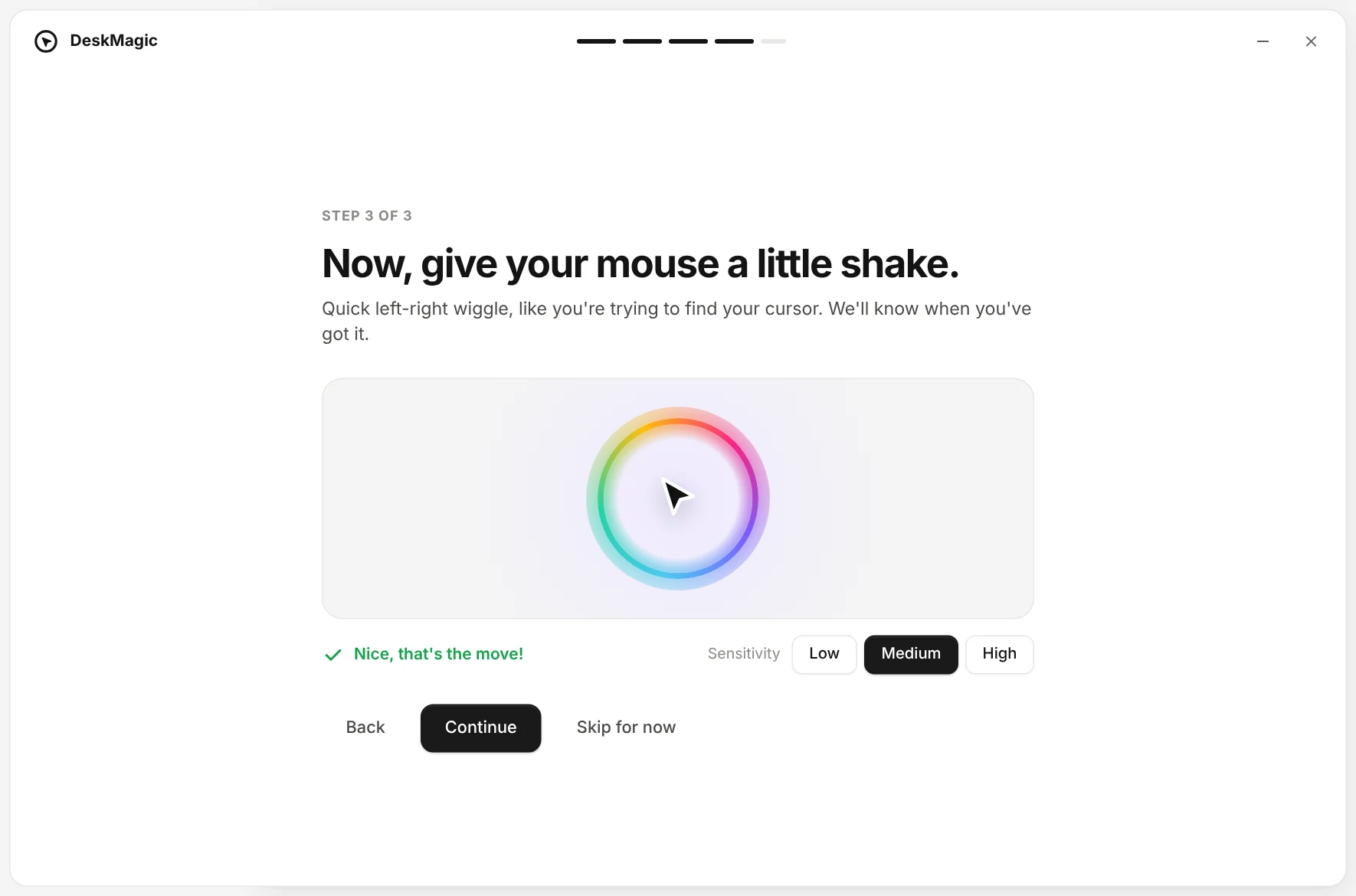
Rainbow ring appears after shaking the mouse
01

Shake to summon

Wiggle your mouse like you lost your cursor. A rainbow ring pops up right where you're looking. Prefer keys? Press Ctrl + Shift + Space.

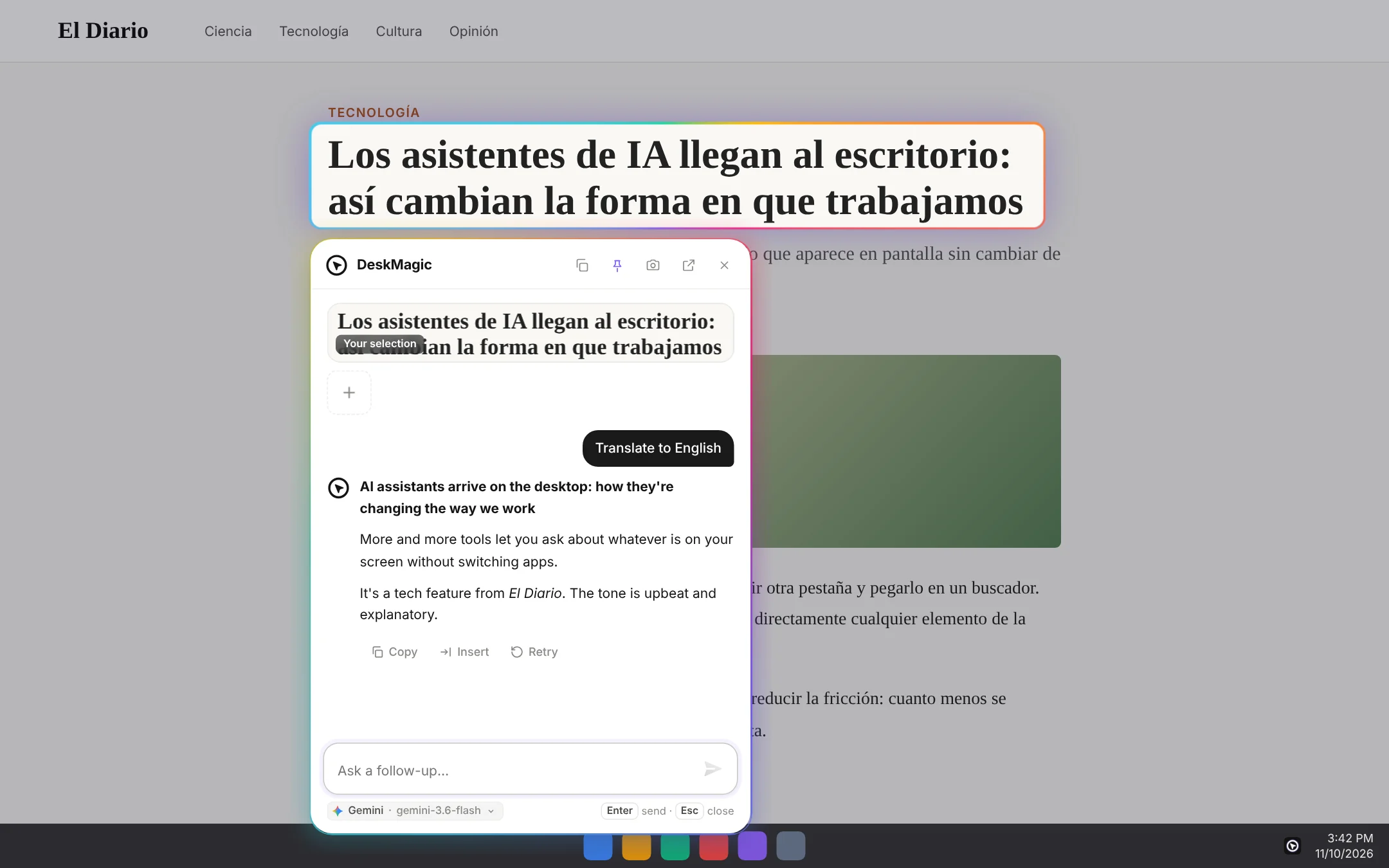
Selecting a headline on a news site
02

Drag around it

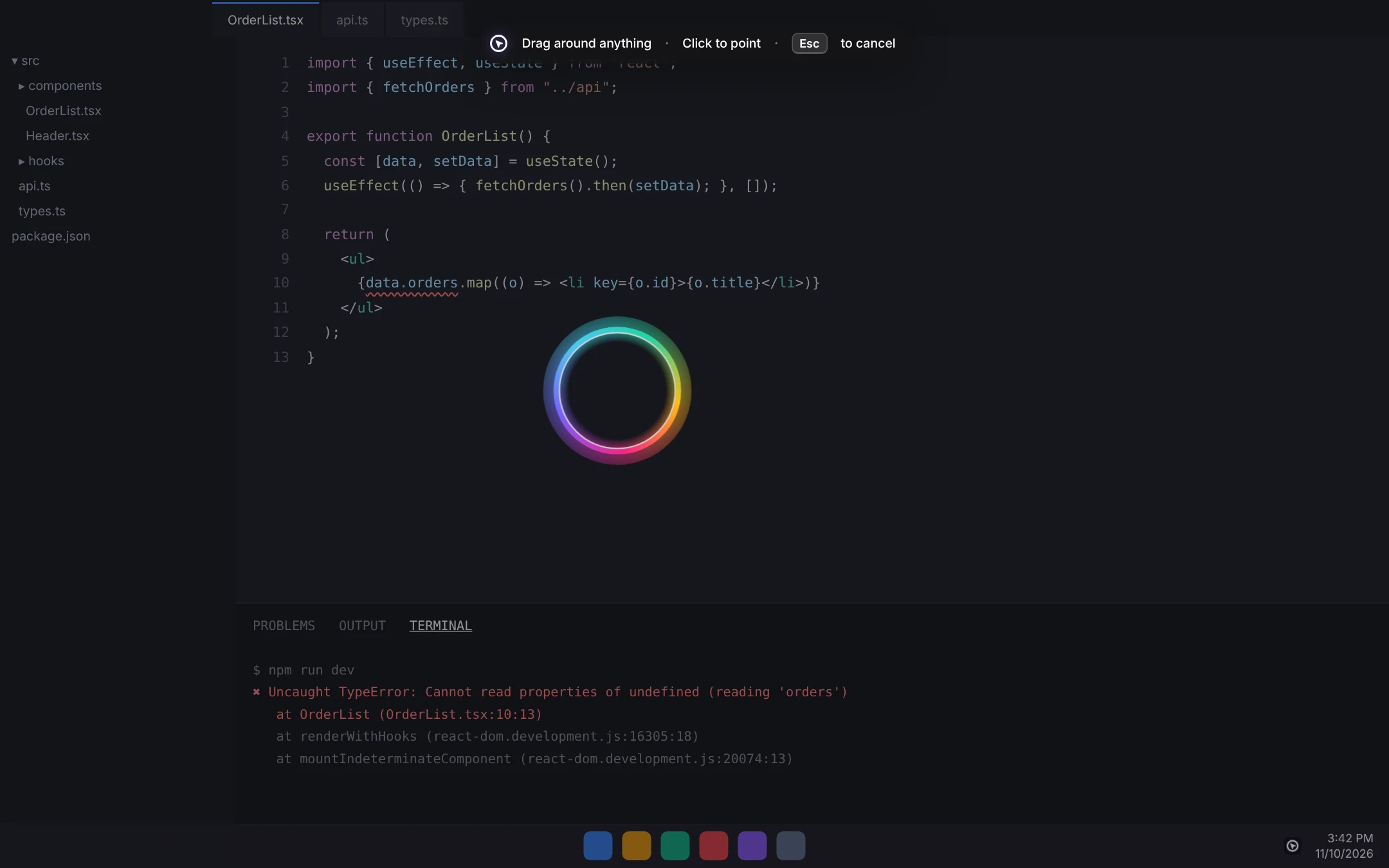
Draw a box around anything: text, charts, code, UI, images. Or just click and DeskMagic grabs what's under your cursor.

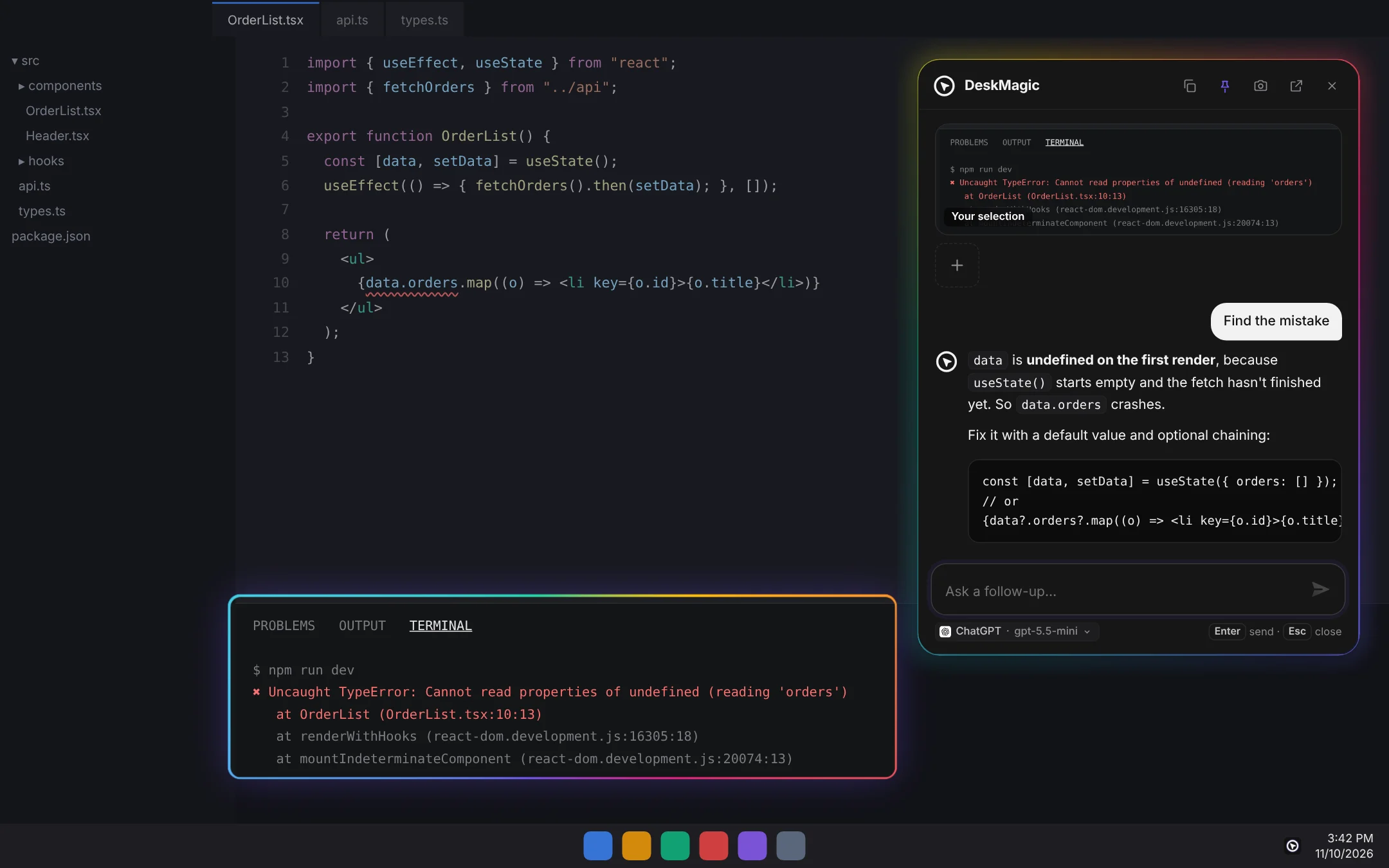
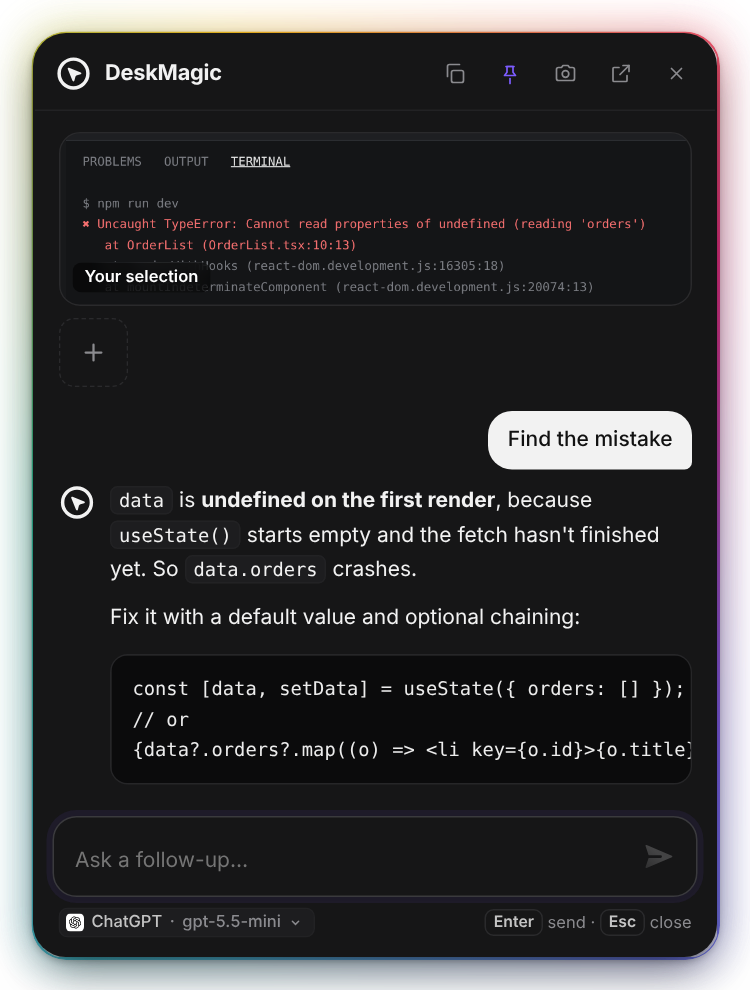
DeskMagic chat answering next to the code
03

Ask, then keep asking

Tap a quick action or type your question. The answer streams in right next to it, and you can follow up as much as you like.

Use cases

Whatever's on your screen,
it's one shake away.

The answer card

Floats over everything.
Gets out of your way.

One-tap quick actions Pin on top Copy answers and code Light & dark
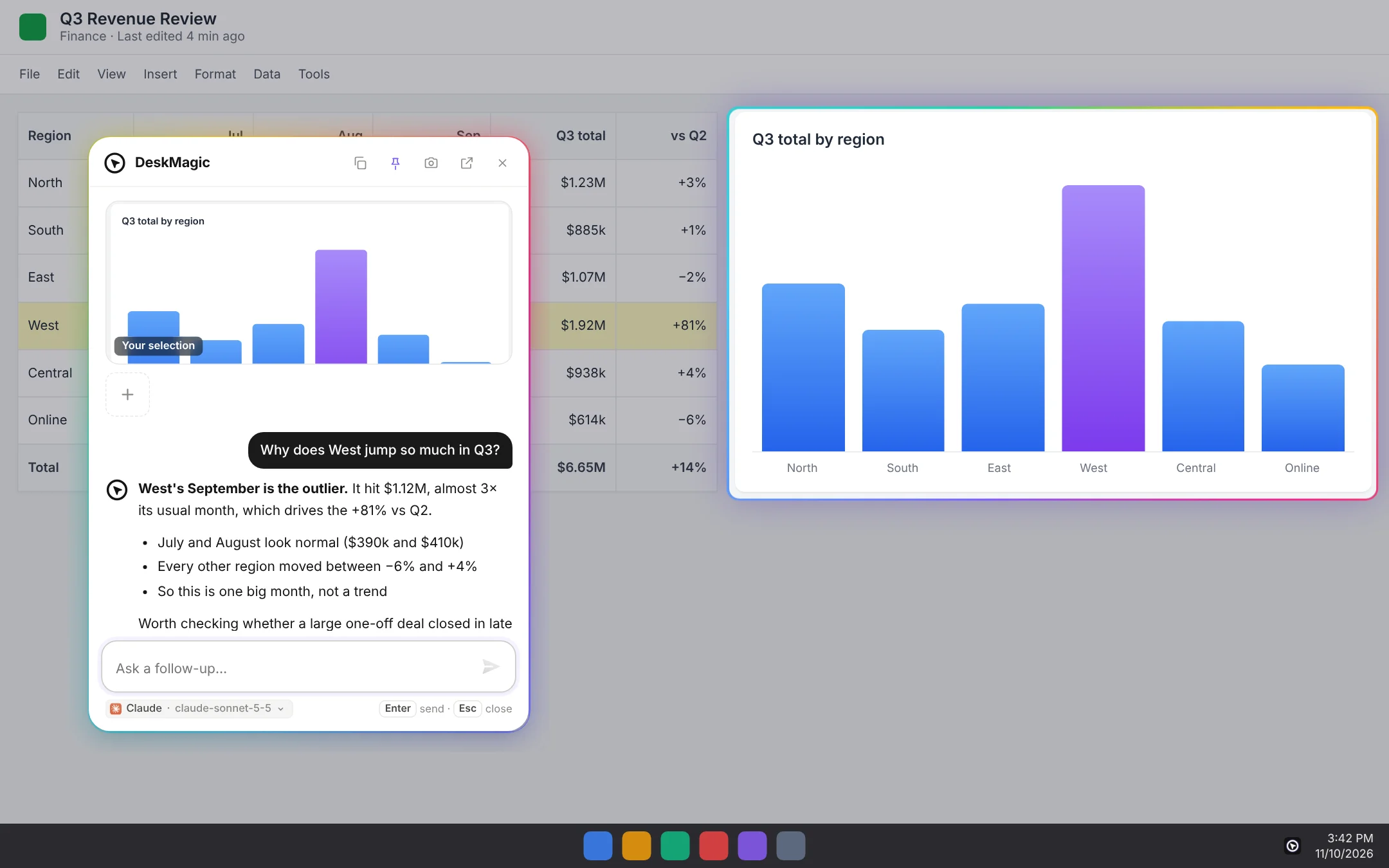
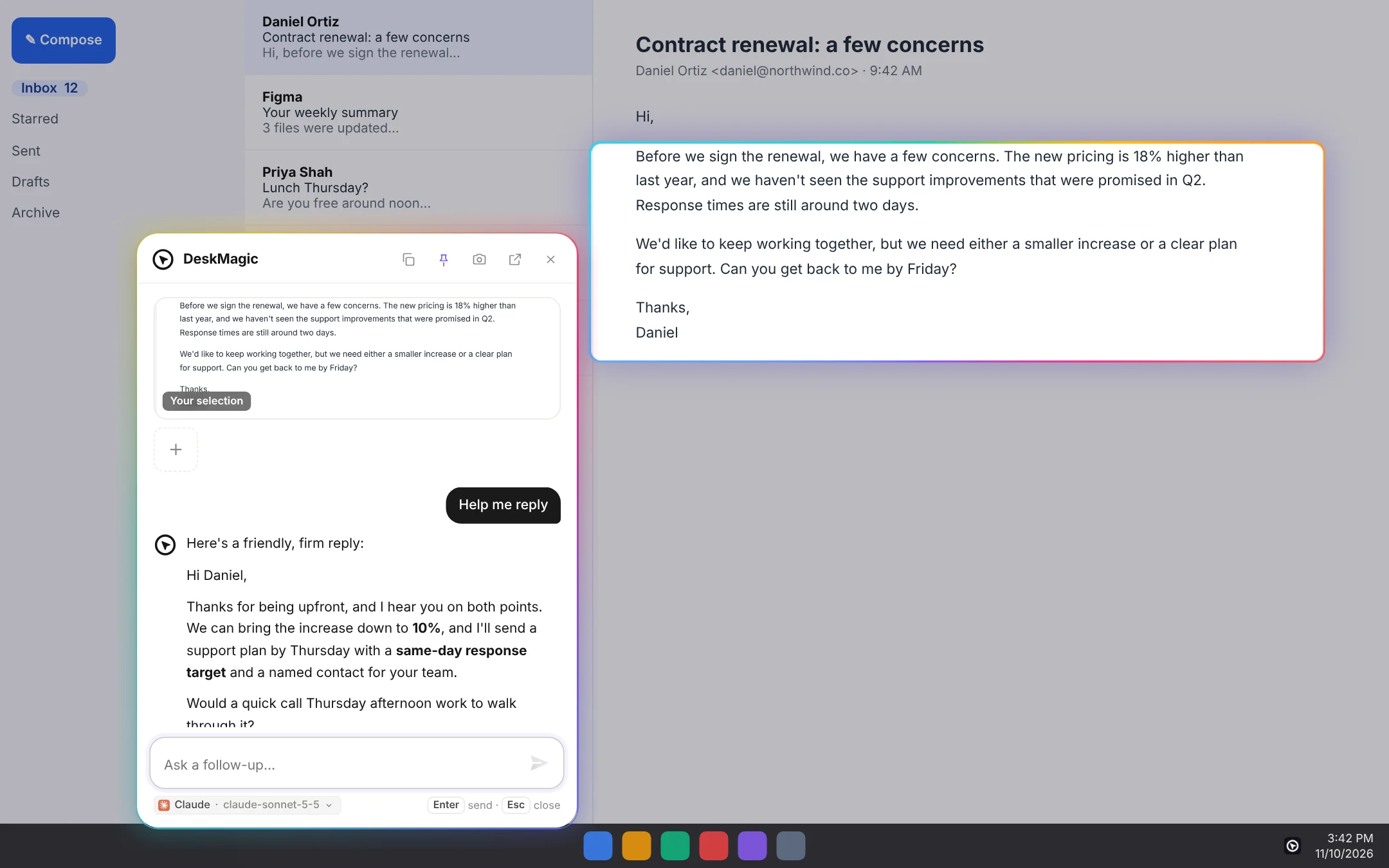
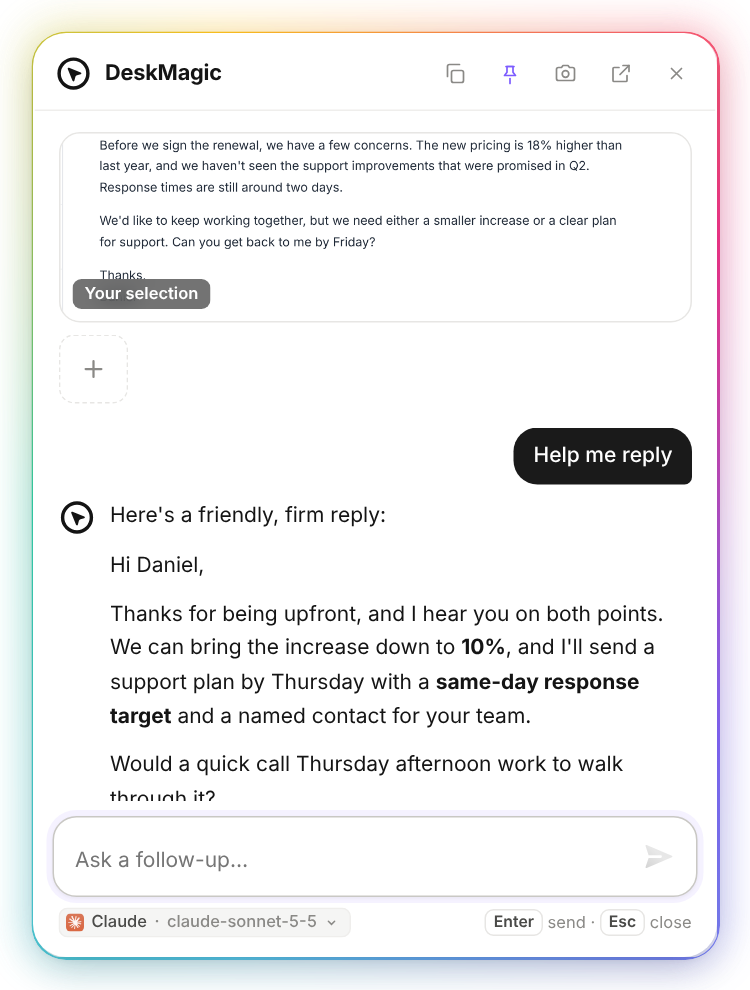
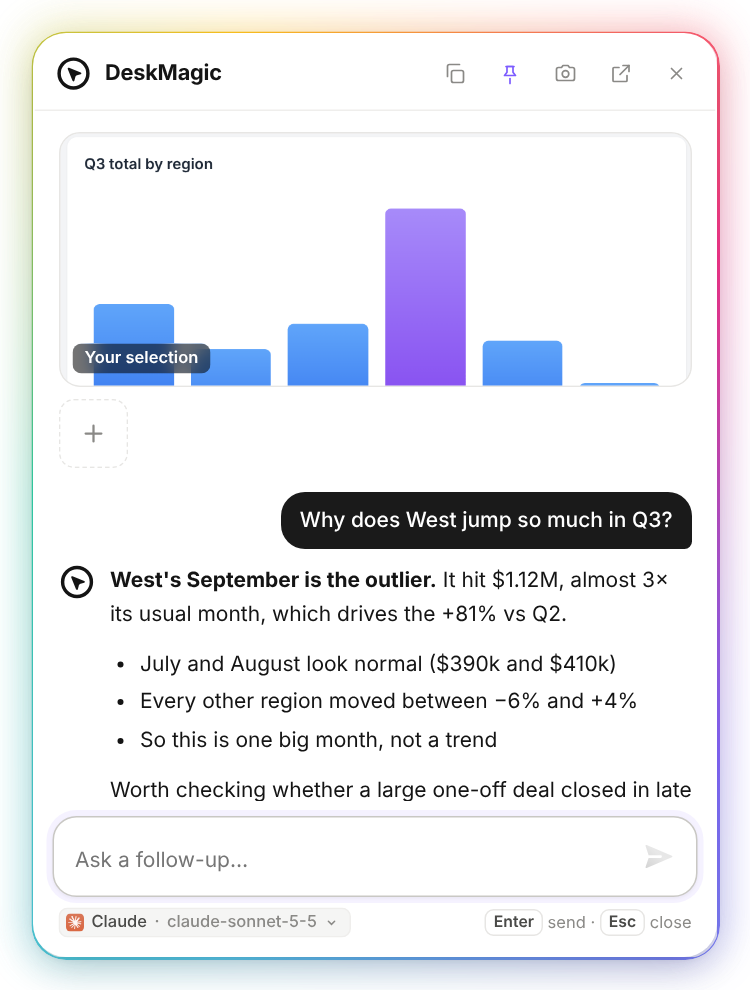
Answer card drafting a reply Answer card explaining a chart Answer card in dark mode fixing code
The app

Calm, clean,
and all yours.

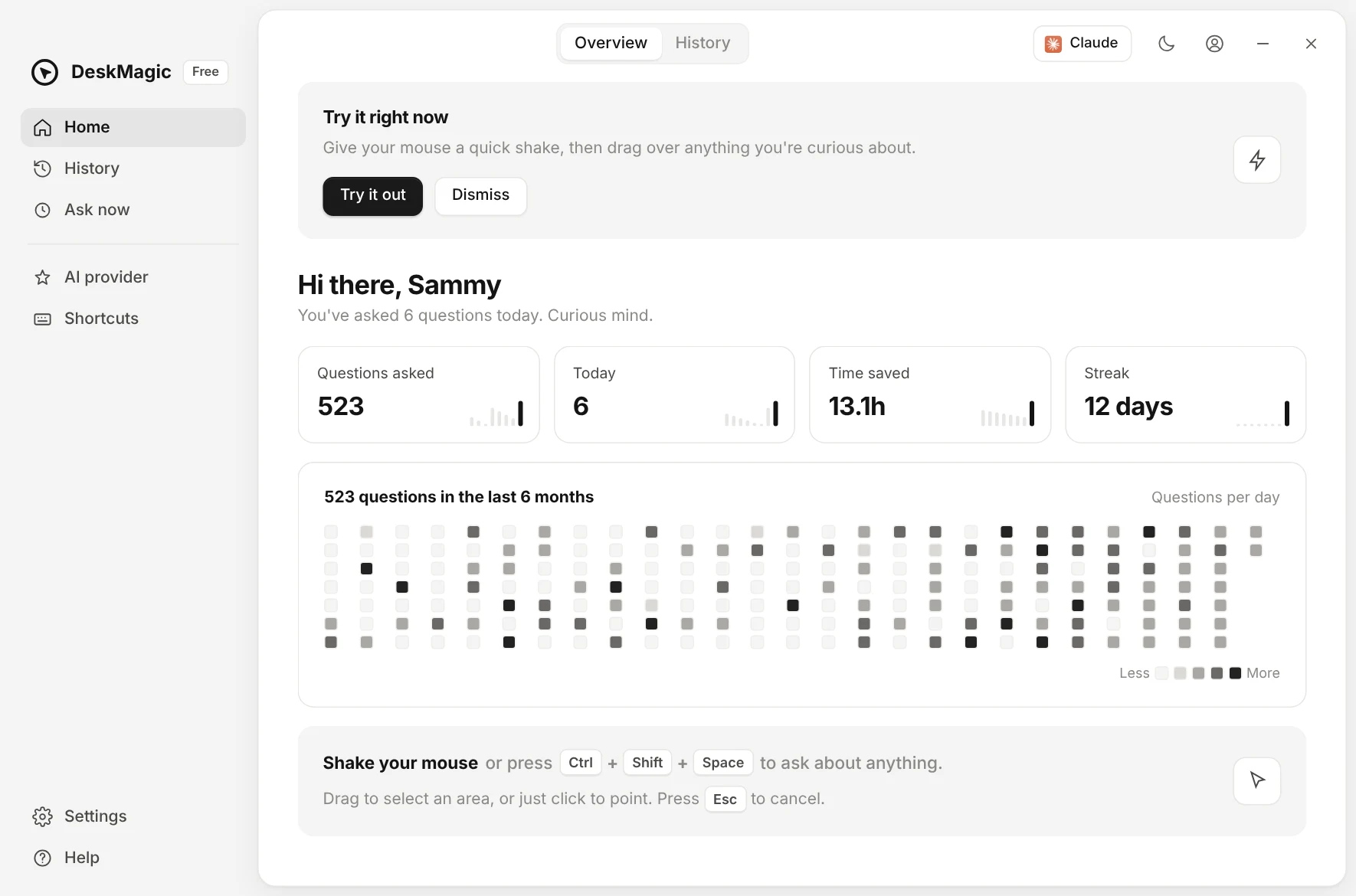
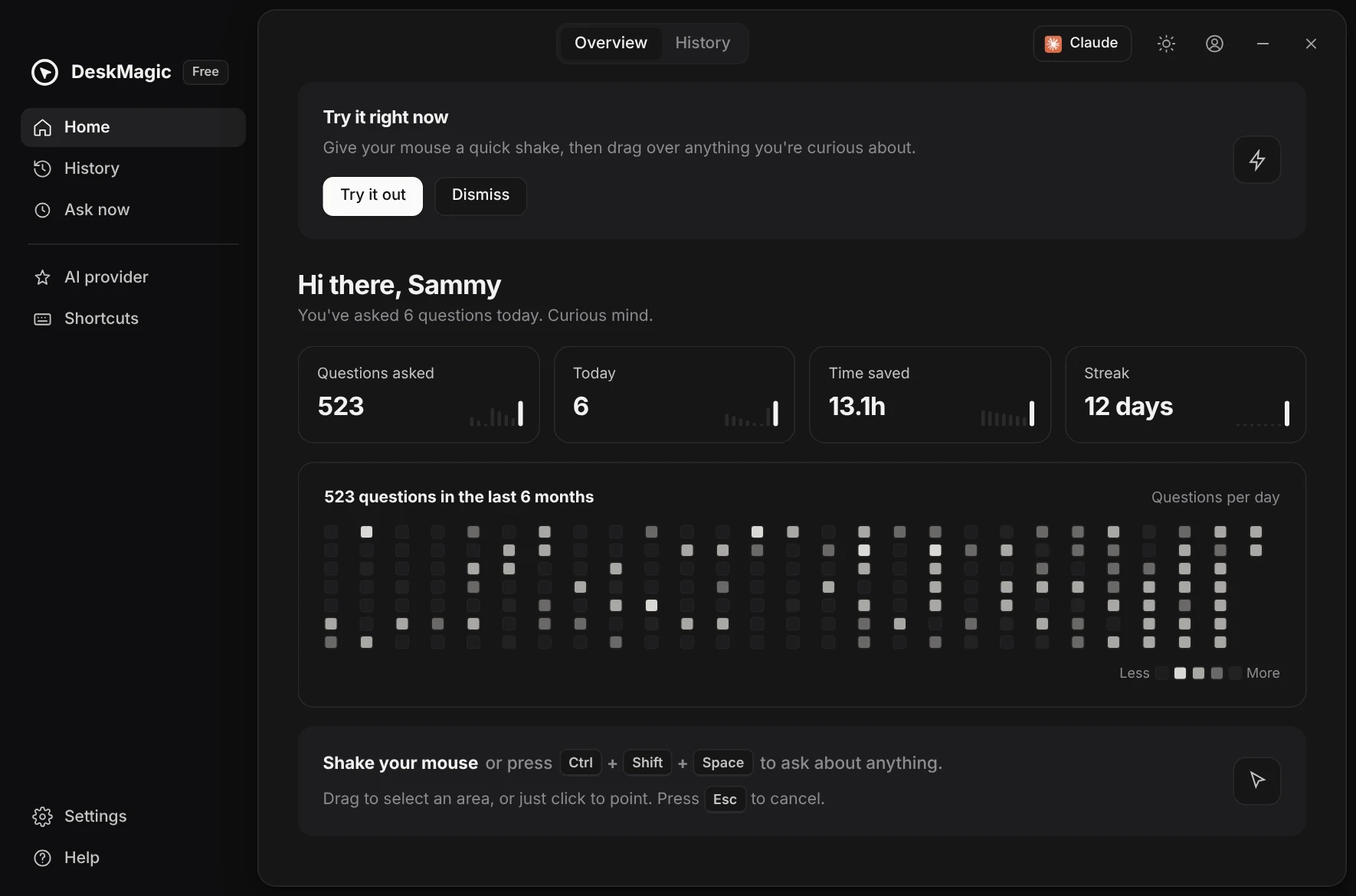
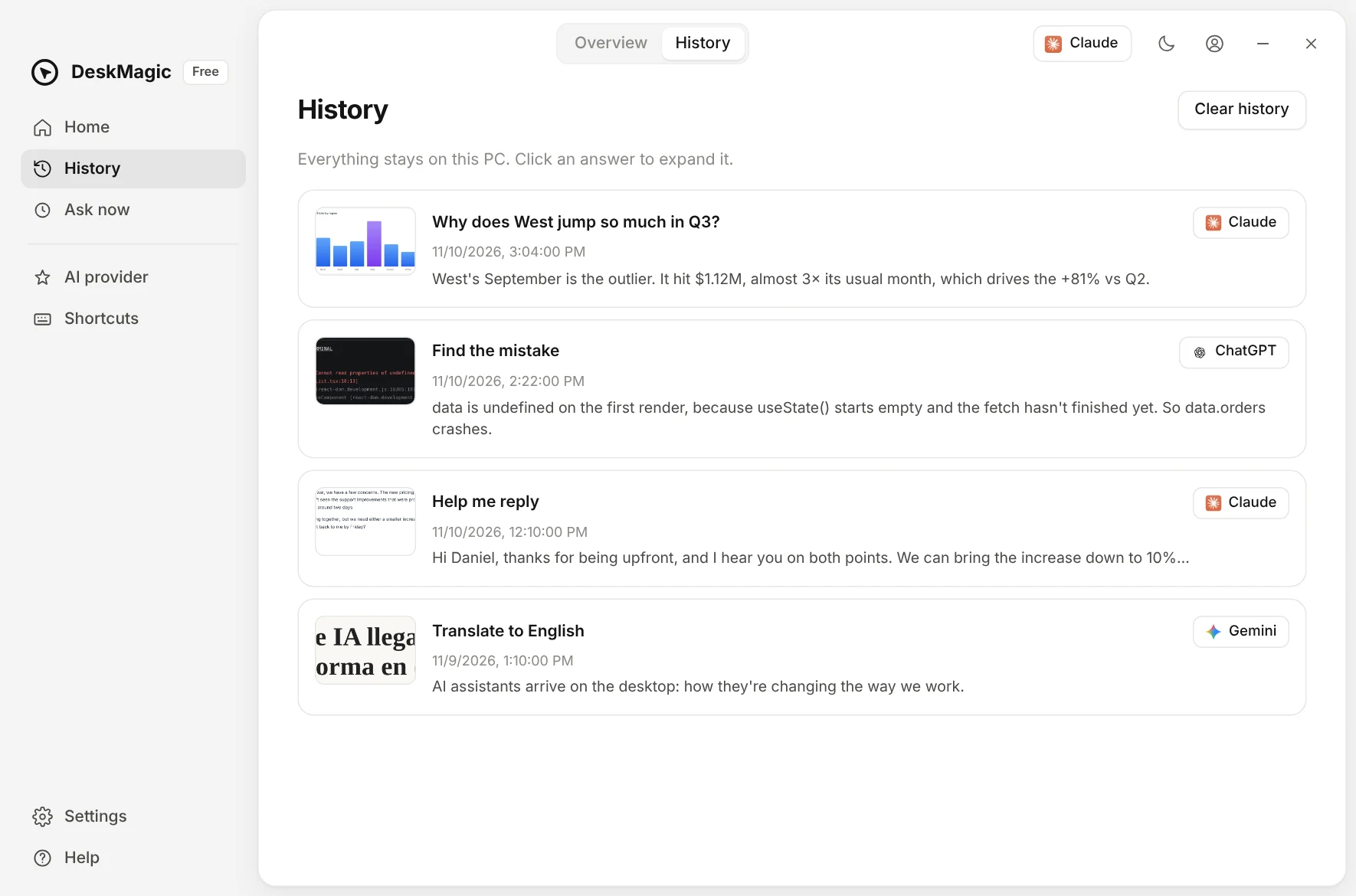
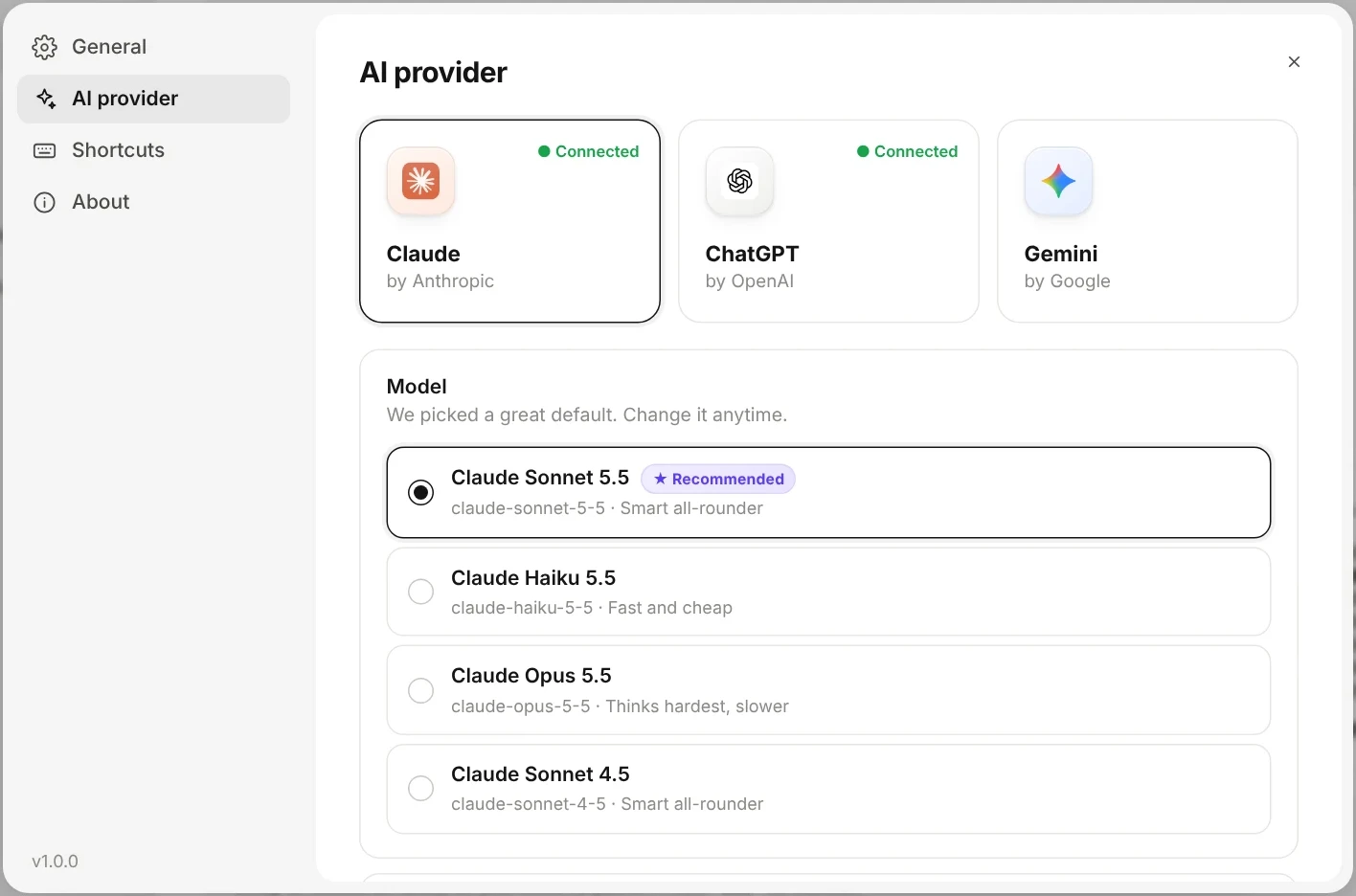
Track what you've asked, pick your AI and model, tweak your shortcut. Everything stays on your PC.

DeskMagic home dashboard DeskMagic home dashboard in dark mode
History of past answersEvery answer, saved on your PC
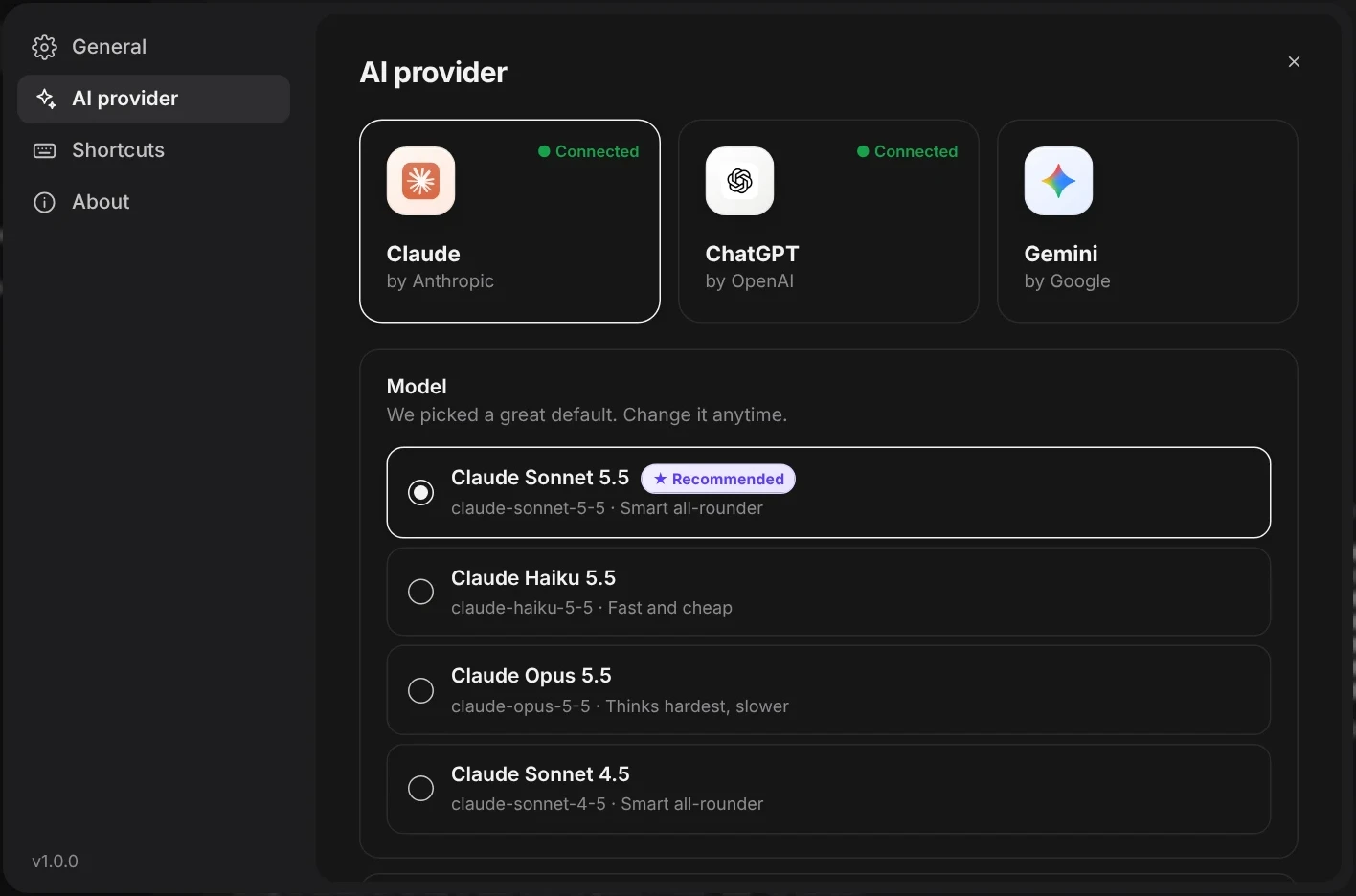
Choosing an AI model Choosing an AI model in dark mode One recommended model per AI
Setup

Up and running
in about a minute.

DeskMagic installer animation
Installs in secondsOne click, no wizard. It opens itself when it's done.
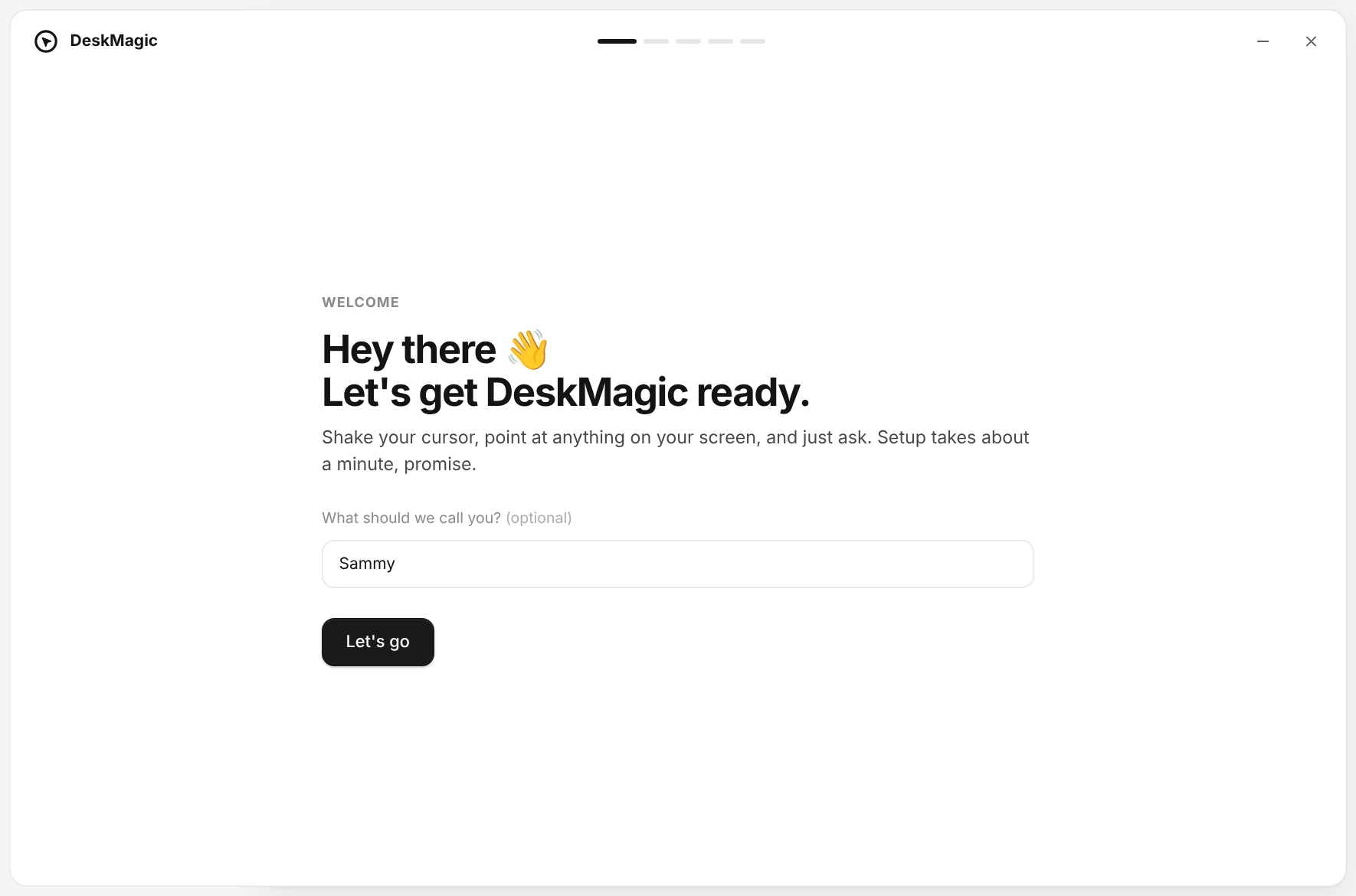
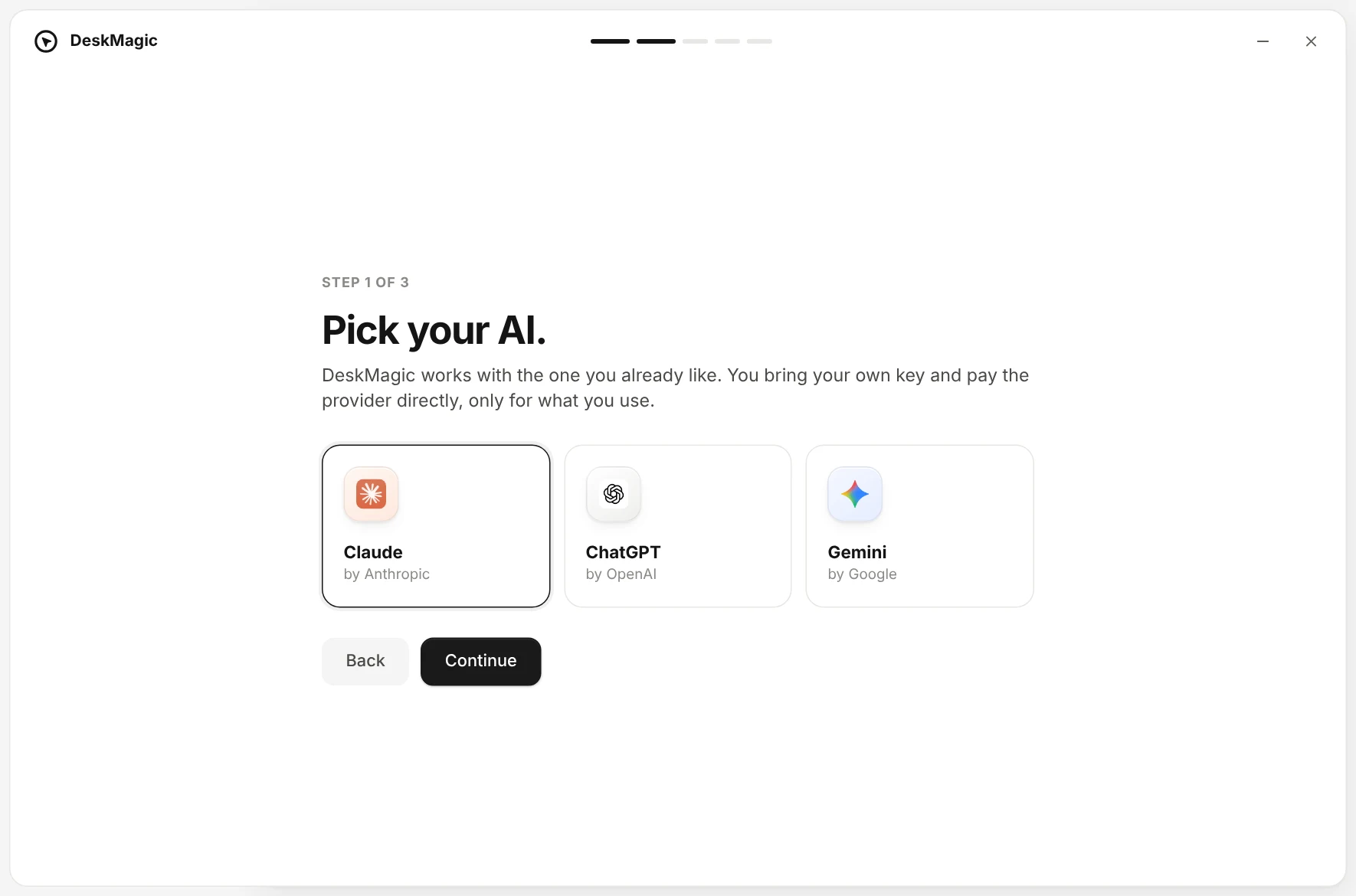
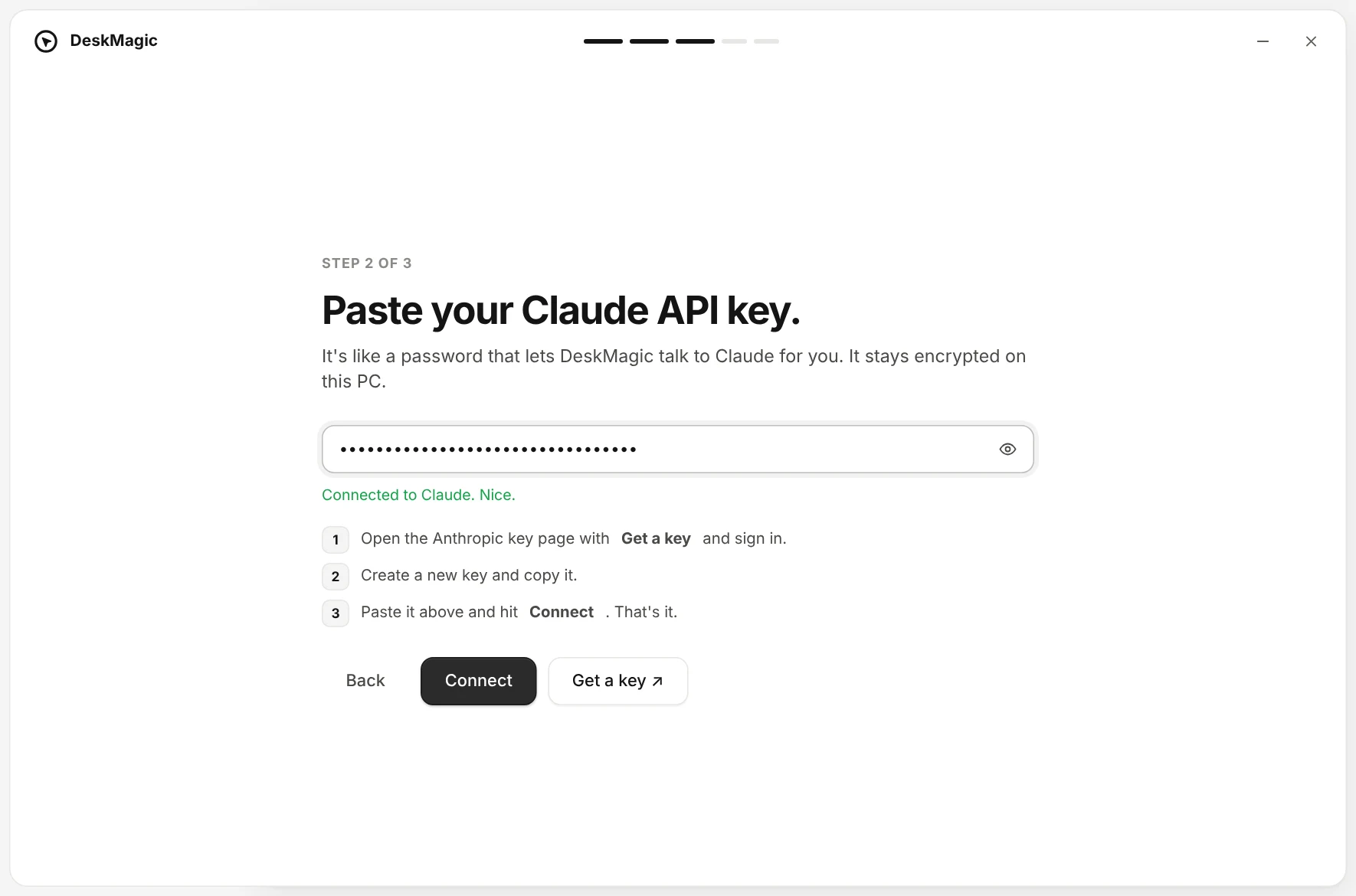
Welcome screen Pick your AI Paste your API key Shake your mouse to try it

Your shortcut, your way

Pick any key combo when shaking isn't your thing.

Private by design

Your screen goes straight to your AI. No DeskMagic servers in the middle.

Local history

Every answer is saved on your PC so you can find it later.

Bring copied text

Add whatever's on your clipboard to the question in one tap.

Pick your model

Fast and cheap for quick questions, or a bigger model when it matters.

Featherweight

Sits quietly in your tray and starts with Windows. Ready when you are.

Privacy

Your screen, your key.
Nobody in between.

DeskMagic only looks at your screen when you summon it, and only sends the part you pick, straight to the AI you chose.

  • No account, no sign-up
  • API key encrypted with Windows' own protection
  • History never leaves your PC
  • Nothing runs in the background
Provider settings in dark mode
Pricing

Simple pricing.
No subscription.

Ask as much as you want for free. Upgrade once for the power tools.

Free
$0
Try DeskMagic at your own pace.
  • Unlimited questions, forever
  • Shake or shortcut to summon
  • One AI: Claude, ChatGPT or Gemini
  • 6 built-in quick actions
  • Your latest 25 answers in history
Pro Best value
$29 once
One-time payment · 3 devices
  • Everything in Free
  • All three AIs, switch mid-chat
  • Your own custom quick actions
  • Multiple selections in one question
  • Insert answers into any app
  • Unlimited history, search & export
  • Lifetime updates
  • 14-day money-back guarantee
Get Pro
FAQ

Questions,
answered plainly.

Stop wondering.
Just ask.

See pricing
Free to start · Takes a minute to set up